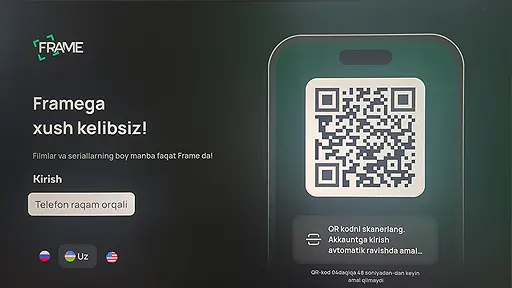



TV set-top boxes
Installing the application on SmartTV or TV set-top box with Android system via flash drive.
Step 1
We go to the Frame.uz website via a computer, go to the "Applications" section. Download the APK file (TV set-top boxes), upload the file to a flash drive, insert the flash drive into the TV.
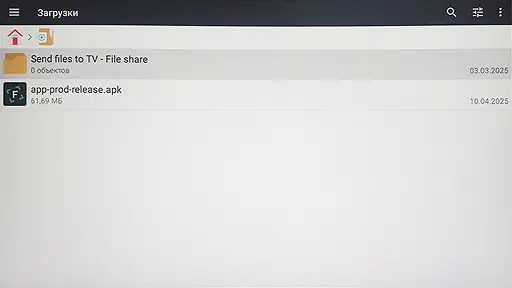
Step 2
Run the installation file downloaded from the site and follow the instructions to install the application.
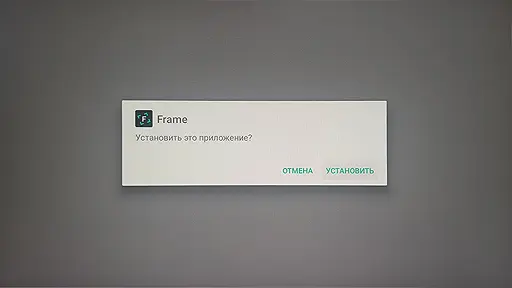
Step 3
Launch the installed application immediately by clicking on the “Open” button or later by clicking on “Done”.
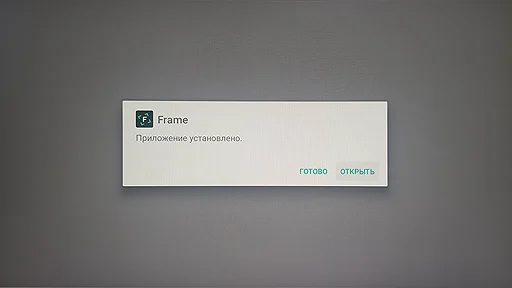
Step 4
Frame has been successfully installed on your device and is ready to use!
Enjoy watching.

Step 1
— Find the section with the search for games and applications.
— Press “OK” on the remote control.
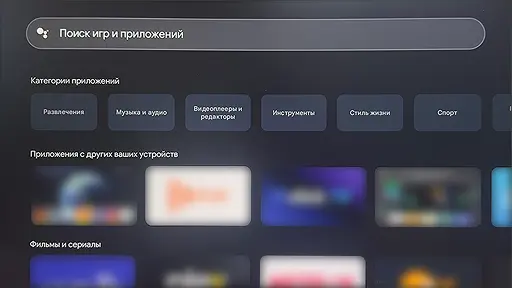
Step 2
Find the Frame application in the list on request and click on it to open the application page
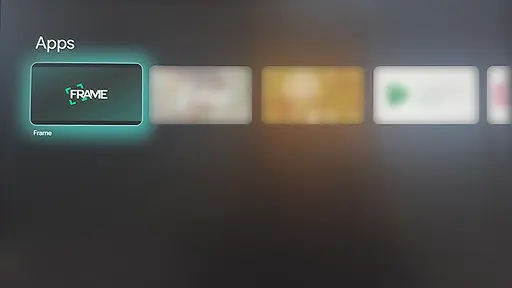
Step 3
On the application page, start the installation by clicking on the “Install” button
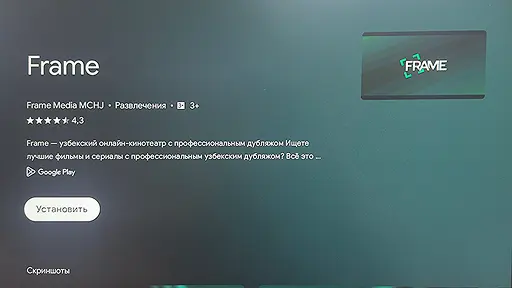
Step 4
Frame has been successfully installed on your device and is ready to use!
Enjoy watching.